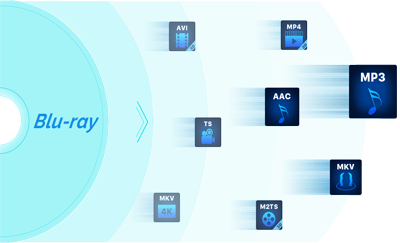
Fast Blu-ray Copy
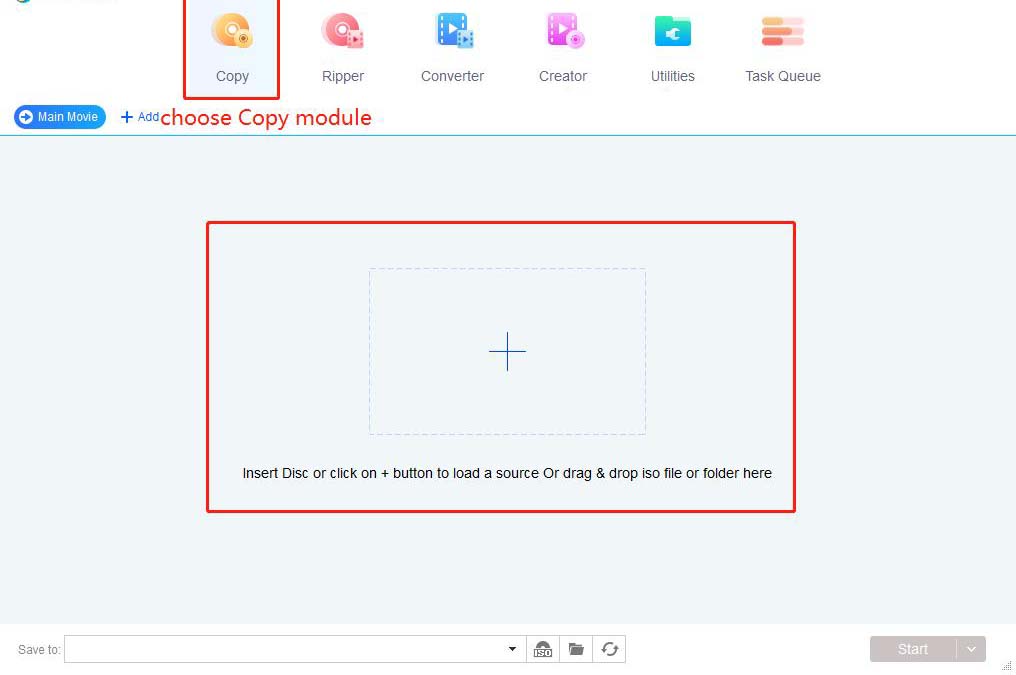
Fast Blu-ray Copy, Fast Copy any 2D/3D Blu-ray movies to any Blu-ray/DVD disc or to your hard drive with just one or a few clicks.
Fast Blu-ray Copy is the first full-featured Blu-ray copier/burner/cloner to copy a Blu-ray(3D included) to any Blu-ray Disc or DVD disc, or copy to Blu-ray ISO Image file or Blu-ray folder on your hard drive with just one or a few clicks.
Fast Copy Blu-ray movie to any Blu-ray disc(BD-R 25, BD-RE 25, BD-R 50 and BD-RE 50).
Fast Copy Blu-ray movie to any DVD disc(DVD+R/RW, DVD-R/RW, DVD+R DL and DVD-R DL).
Fast Copy Blu-ray movie to computer hard drive and save as Blu-ray folder.
Fast Copy Blu-ray movie to computer hard drive and save as Blu-ray ISO image file.
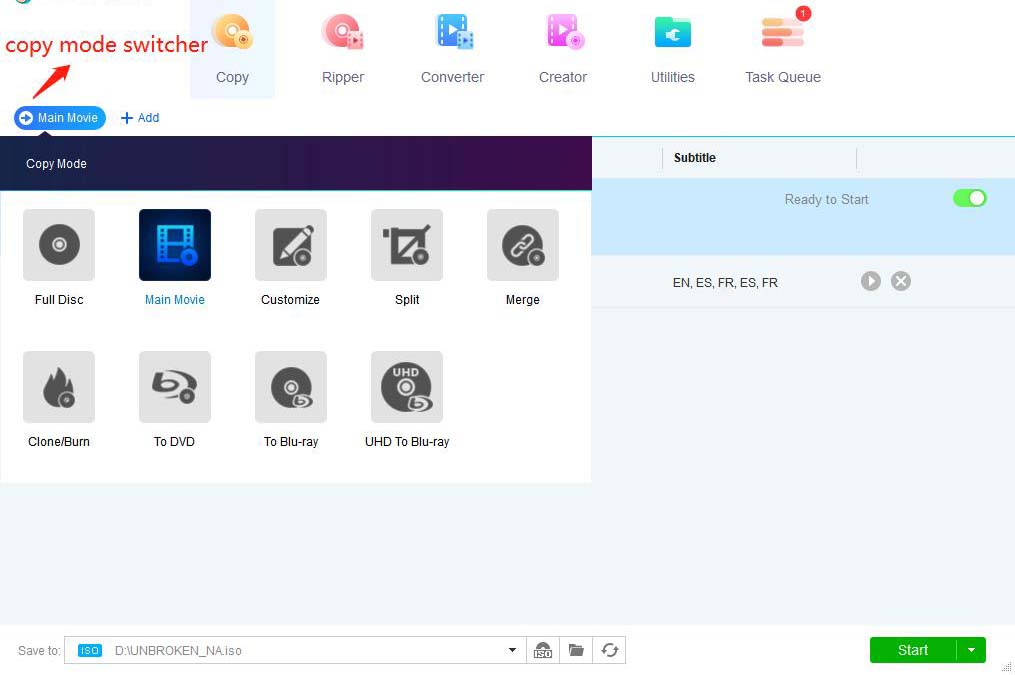
Five copy modes with various customized settings, Full Disc, Main Movie, Customize, Clone, Merge.
One Click to Clone Blu-ray movie disc with 100% original quality perfectly.
Built-in Burning Engine, supports all popular Blu-ray/DVD burner drives.
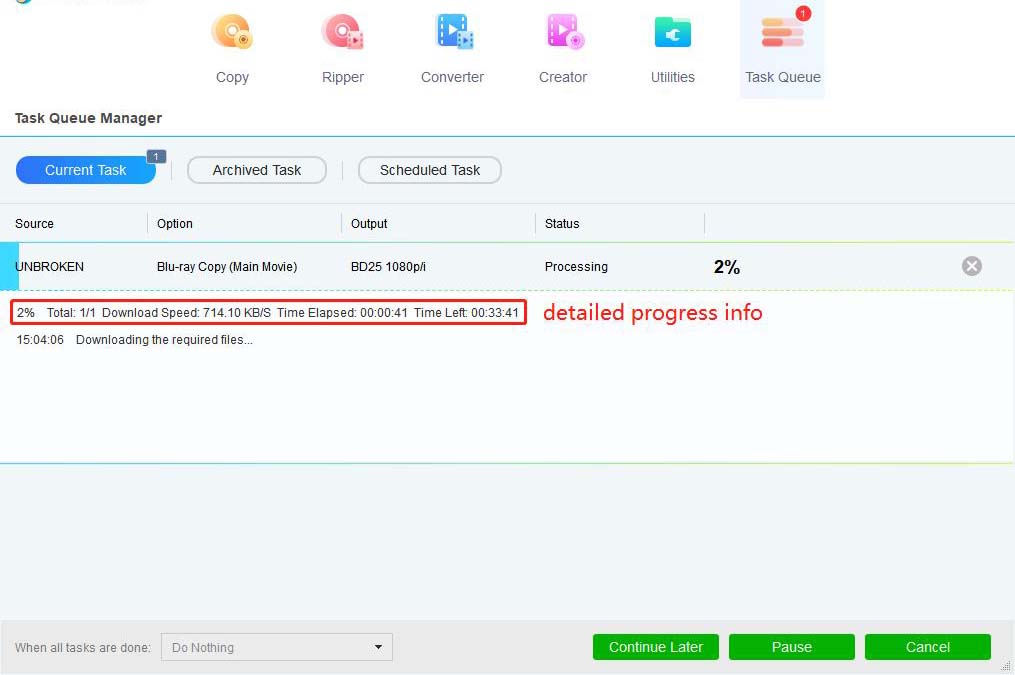
16X faster than normal speed(Multi-threading, Multi-core, the latest NVIDIA CUDA technology and Intel Quick Sync supports added in).
Why choose Fast Blu-ray Copy?
The Fastest speed
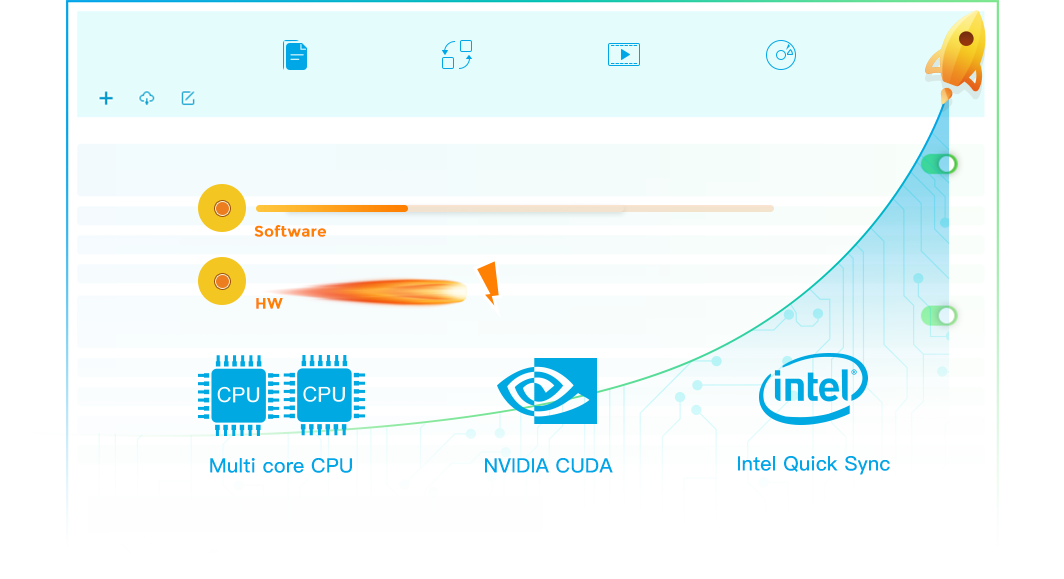
The entire Blu-ray and DVD series has been in development for years to catch up with the latest technology trend all the time. Fast Blu-ray Copy is tech-savvy enough to ensure you a smooth Blu-ray copy with leading processing speed. Despite the flash speed, you will get a resultant video with quality by no means inferior to the source. And with its Clone mode, you will get a totally lossless output file.
Supported Formats
| Supported Formats and Device: | |
Input: |
Blu-ray movie disc, Blu-ray movie folder, Blu-ray ISO image file |
Output: |
any blank Blu-ray disc like BD-R 25, BD-RE 25, BD-R 50 and BD-RE 50. |